
Build it right, block by block: every block counted, every step pictured.
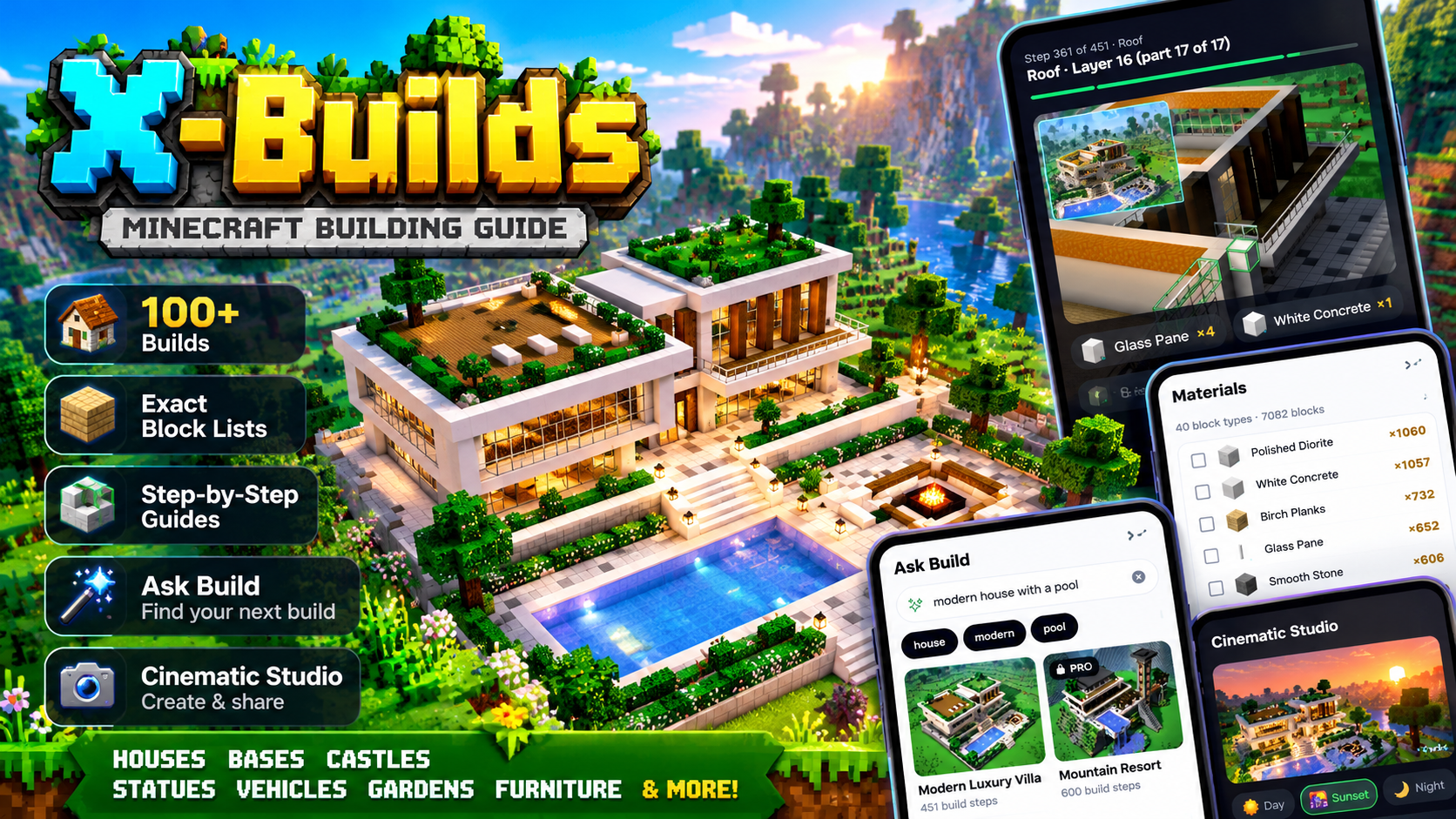
X-Builds is a fan-made Minecraft building companion. It tells you exactly what to gather and exactly where it goes: pick a build, get the exact block list and follow a picture for every step. Free builds work on the web with no account, and the Android app ↗ is there for when you're in the game.
Minecraft players who never want to pause a video to count blocks again.
X-Builds is for players who want to finish the build: houses, castles, survival bases, statues, vehicles and working farms like a Mob Tower XP Farm or an Iron Golem Farm.
Builds are designed and checked on Java Edition 1.21, most use everyday blocks that exist in Bedrock Edition too, and every guide shows the edition and version it was made for. Survival builds stick to blocks you can realistically gather early in a world.
It tells you exactly what to gather and exactly where it goes.
Each build is split into layers from the ground up, big layers are broken into smaller steps, and decorations like torches and doors come last. Every step has a picture of what is already placed with the new blocks outlined, and the blocks it needs.
The block list is calculated from the build itself, so it matches what you place. Spin the build in a 3D preview, search in plain words, and in the app see what your chest already covers, keep your progress and build offline.
Every block counted, every step pictured, with no mods to install.
Steps hidden inside walls are opened up so you can still see them, and every step lists its own blocks. Every build shows its size, difficulty, block count and roughly how long it takes before you start.
Free builds come with the full block list and every step, on the website with no account and in the app as a guest. Builds are original designs made for X-Builds or used with their creator's permission, and every guide credits its creator and licence.
Everything you need to finish the build
X-Builds is built around one idea: you should never have to pause a video to count blocks. Here is everything it does, on the website and in the Android app.
Every block type with its count, for the whole build and for each step, calculated from the build itself so the list matches what you place.
Each step is rendered from the build: what is already placed, and the new blocks outlined. Steps hidden inside walls are opened up so you can see them.
Spin, zoom and step through the finished build in your browser before you gather a single block.
Describe what you want in plain words. X-Builds understands size, style, category and materials, and shows why each build matches.
The library puts builds that fit your edition, play style and skill first, and learns from what you open, save and finish.
Tell the app what is in your chests and it ranks the builds you can make right now, with exactly what is still missing.
Tick off steps and gathered materials as you go. Progress is saved on your phone after every step, so you can stop mid-build and carry on later.
Builds you have opened stay on your phone. Their steps, block lists and your progress keep working without a connection; step pictures load when you are online.
Film your build assembling itself and save a picture or a clip. Day and Sunset are free; Sunrise, Night, Rain and Fog come with X-Builds Pro. Try it on the web ↗.
If you allow notifications, the app can nudge you about a build you left unfinished. They are scheduled on your phone; nothing is sent to a server.
How X-Builds works
From an empty plot to a finished build in five steps. Free builds on the website need no account; the app adds offline guides and saved progress on your phone.
- 01Pick a build
Browse by category or style, or describe what you want in plain words ("small medieval stone"). Every build shows its size, difficulty, block count and roughly how long it takes. Browse all builds ↗.
- 02Gather the exact blocks
The block list is calculated from the build itself, so it matches what you will place. Tick materials off as you collect them; in the app, the list can also compare against what is already in your inventory.
- 03Build it layer by layer
Each build is split into layers from the ground up; big layers become smaller steps, and doors, torches and other details come last. Every step has a picture with the new blocks outlined, and the blocks it needs.
- 04Check it in 3D and keep your place
Spin the finished build in a 3D preview, or step through it to see where each block goes. In the app your progress is saved after every step, and guides keep working offline.
- 05Film it and share it
The Cinematic Studio films your build assembling itself in one of 6 scenes, from a clear day to a rainy night. Save a picture or a short clip and share it with friends.
Free to build. Pro if you want more.
Every free build is free, every step, on this website and in the X-Builds app, for good. X-Builds Pro is an optional upgrade that unlocks every premium build and Cinematic Studio scene. Pro on the website and Pro in the app are separate purchases: the app's Pro is bought through Google Play or the App Store and also removes the app's ads.
- Every free build, every step
- On the website and in the app
- Progress tracking; offline guides in the app
- Day and Sunset in the Cinematic Studio
- Premium builds: one per short ad, in the app
- 7-day free trial
- Every premium build
- All 6 Cinematic Studio scenes
- On this website, no account needed
- Everything in Pro yearly
- Pay once, keep it
Your data
X-Builds says plainly what the app and website store, why, and who else touches it. Read the full privacy policy ↗.
You can use X-Builds without creating an account. The website has no sign-in, and the app works as a guest from the first launch.
Your preferences, favourites, build progress, ticked-off materials, block inventory, recently opened builds and X-Builds Pro status live only on the device; they are not copied to a server.
Signing in with Apple or Google is optional, in the app only, and only links X-Builds Pro across your devices. The token is not kept, and no account, email address or profile is stored on any server.
X-Builds does not sell personal data.
The free app shows non-personalised ads. X-Builds Pro in the app has no ads, and the website has none.
Purchases in the app are handled by Apple or Google, and RevenueCat; purchases on the website by Dodo Payments. X-Builds never sees your card details.
PostHog is used for product analytics and crash reports, to fix what breaks.
Reminders are scheduled on your phone, only if you allow them. Nothing is sent to a server.
Every guide comes with its block list and a picture for every step. Browse the builds ↗.
Questions
More on prices, trials and cancelling is on the pricing page ↗.
Yes. Every free build on this website comes with the full block list and every step, and the app is free to download too. An optional X-Builds Pro upgrade unlocks premium builds and extra Cinematic Studio scenes.
Builds are designed and checked on Java Edition 1.21. Most use everyday blocks that exist in Bedrock Edition too, and every guide shows the edition and version it was made for.
Each build is split into layers from the ground up, big layers are broken into smaller steps, and decorations like torches and doors come last. Block counts are calculated from the build itself, so the list matches what you place.
No. The website needs no account, and the app works as a guest from the first launch, with your progress, favourites and inventory saved on your phone.
Yes, for builds you have opened: they stay on your phone, so every step, the blocks it needs and your progress keep working without a connection. Step pictures load whenever you are online.
Builds are original designs made for X-Builds or used with their creator's permission, and every guide credits its creator and licence. We never copy builds from other sites.
X-Builds is a fan-made building companion for Minecraft. Not an official Minecraft product. Not approved by or associated with Mojang or Microsoft.
No. Pro on the website and Pro in the X-Builds app are separate purchases: the app's Pro is bought in the app through Google Play or the App Store, and also removes the app's ads.
One payment, no renewal: Pro stays unlocked for as long as X-Builds is offered (on the website with your license key, in the app on your store account).
Short full-screen ads when you open the app (never on your first launch) and after every 20th step of a long guide (at most three per guide each time you start the app), plus an optional video to unlock a premium build. They are non-personalised. Pro in the app removes every ad, and this website has none.
x-builds.tech elsewhere
Happy building: open any free guide in your browser now.
No account needed. Every free build comes with the full block list and a picture for every step, or take X-Builds with you in the Android app.
Published 1 November 2026. The words, pictures, prices and figures on this page are the founder's own. How a page gets here
Written with Sami