
Choose an ArtCraft Crafting App, check its file support and reach its official download.
Craft Apps Guide is an independent guide to ArtCraft's free, open-source Crafting Apps for creative and office work. It helps you choose an app for your task, check file support for PSD, .fig, XLSX and more, follow practical tutorials, and reach the official downloads ↗. You can read every page without an account. It is not affiliated with ArtCraft, Adobe or Microsoft.
People thinking about moving to ArtCraft's Crafting Apps.
It is for anyone who works with photos, PSD files, vector graphics, slides, spreadsheets, documents, PDFs, interface designs or CAD drawings and wants a free, open-source app instead of a subscription.
It also helps people who want to install apps safely, find the right build for Windows, macOS or Linux, or connect an app to Claude Code through MCP.
Choose an app, check file support, find its official download.
The guide covers all 13 Crafting Apps, from PhotoCraft and FigCraft to GridCraft and CADCraft. For each one it sets out what the app is for, what stage it is at and where its official page and releases are.
It also has beginner tutorials, file compatibility checks, comparisons with Photoshop, Figma, Office and Acrobat, guides to the ArtCraft Launcher, troubleshooting, and selected release changes explained by task.
Independent, sourced, and clear about limits.
Craft Apps Guide does not develop or distribute the Crafting Apps, and it does not redistribute installer files. It links to the official ArtCraft directory, repositories and release notes so you can check the source behind a claim.
It keeps documented product behaviour separate from its own tests and from issues individual users report, and gives version-specific results and limits. That way you can test a copy of your own file before you change how you work.
Inside artcraftguide.org
Everything in the guide today
Guides for creative and office apps, practical first steps, file compatibility, comparisons and selected product updates.
A directory of every Crafting App with links to its official page and official releases. Get ArtCraft Apps ↗.
Choose the right installer for your operating system and processor, then add your first app. Launcher guide ↗.
Step-by-step first projects: a CADCraft 2D drawing, a FigCraft auto layout card and a first SolidCraft 3D part.
Check PSD files in PhotoCraft, Figma .fig files in FigCraft and XLSX in GridCraft, with version-specific results and limits.
Find which apps document MCP access and connect one supported app at a time. ArtCraft MCP guide ↗.
PhotoCraft vs Photoshop, FigCraft vs Figma, ArtCraft vs Microsoft Office, PdfCraft vs Acrobat and more.
Learn to recognise official sources, check release files and compare checksums. Is ArtCraft Safe? ↗
Match the exact symptom, from an installer that will not open to GitHub request limits, and keep a useful error report.
Not sure which app fits your task? Use the Creative App Finder ↗ to find an app for your project.
Selected changes from official release notes, explained by what you can check in your own files. ArtCraft Updates ↗.
Practical guides
Start with one app and one small project.
- 01Get Craft Apps
Choose the official ArtCraft Launcher or an individual app for your operating system. Download Guide ↗.
- 02Edit Your First Image
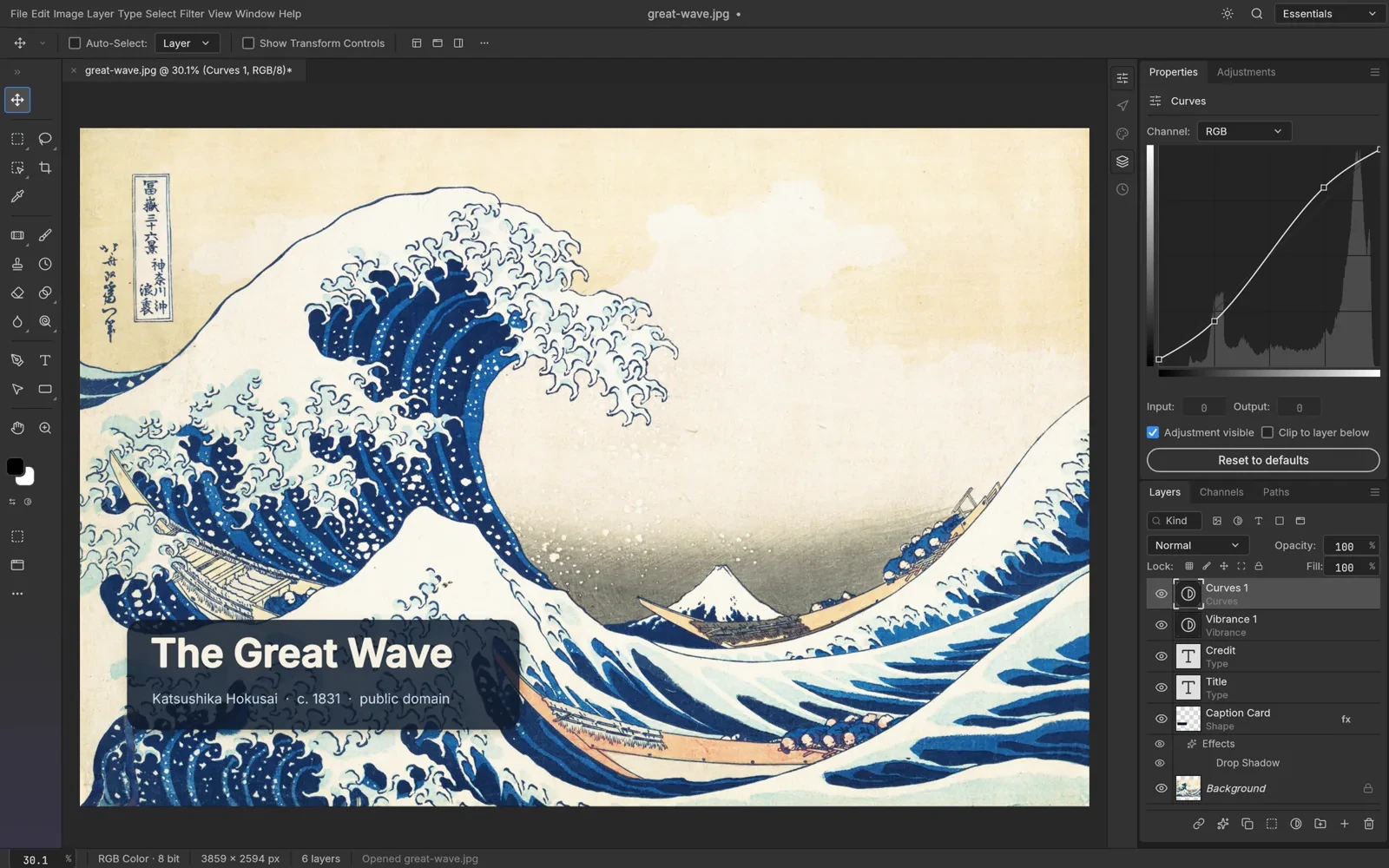
Open an image, make a few edits, and export a copy in PhotoCraft. PhotoCraft Tutorial ↗.
- 03Open PSD Files
Inspect layers and check what you can edit safely in a Photoshop document.
Your data
The site is publicly readable and does not require an account or payment information. See the Privacy Policy ↗.
You can read and link to every page without creating an account, and there is no contact form.
If you email contact@artcraftguide.org, your address and message are used to answer you and review corrections. Please do not send passwords, private project files or other sensitive information.
Contact emails are not used to build an advertising list, and contact messages are not sold.
Your browser sends technical request information such as IP address, requested page, browser information and time, which may be processed to deliver and protect the site.
The site uses Google Analytics 4 to understand page visits, and it may use cookies to distinguish visits. You can manage cookies through your browser settings.
The site does not run ads or embed third-party content.
Frequently Asked Questions
Craft Apps Guide is an independent guide and does not maintain these apps.
No. Install only the apps you need. ArtCraft Launcher is an optional way to install and update multiple apps.
Yes. The Crafting Apps are free and open source. ArtCraft's separate AI Studio has its own pricing and usage terms.
PhotoCraft opens and saves layered PSD/PSB files. Keep the original and inspect a copy's layers, text, masks and effects before editing.
PhotoCraft supports image editing, but Photoshop remains the choice for established Adobe production workflows. See the PhotoCraft comparison ↗.
Download Craft Apps from official ArtCraft pages or StoryTold GitHub releases. Open-source software is not automatically risk-free, and early versions may contain bugs. Read the safety guide ↗.
Use ArtCraft Launcher to install and update multiple apps, or download an individual app from its official release page. ArtCraft Launcher guide ↗.
The desktop Crafting Apps run locally for editing. Downloads and updates need an internet connection; ArtCraft AI Studio is a separate online product.
Report a software bug in the relevant app's official GitHub repository. Craft Apps Guide is an independent guide and does not maintain these apps. See the ArtCraft GitHub directory ↗.
artcraftguide.org elsewhere
Find the right Craft App for your project.
Choose an app for your task, check its file support and reach its official download. Free to read, no account needed.
Published 27 October 2026. The words, pictures, prices and figures on this page are the founder's own. How a page gets here
Written with Sami